
Context
To stop scalper bots from taking over your online queue, you need to control who can enter, how they retain their place and which requests can reach tickets after admission. A virtual waiting room can keep your application stable while the same operation occupies many positions. A separate weakness appears when a purchase route accepts requests without checking that the visitor passed through the queue. Your goal is to preserve fair access while letting legitimate fans recover from refreshes, connection changes and payment interruptions.
TL;DR
- Use the waiting room to regulate demand, with eligibility and duplicate-entry controls appropriate to your sale.
- Randomizing the pre-queue reduces the advantage of earlier arrival within that window. It does not establish that each entry represents a different customer.
- Validate admission on protected purchase routes, including direct API requests and supported mobile flows.
- Treat queue credentials and challenge results separately. Passing a CAPTCHA does not establish queue eligibility.
- Monitor repeated admissions and bypass attempts alongside legitimate completion and overturned restrictions.
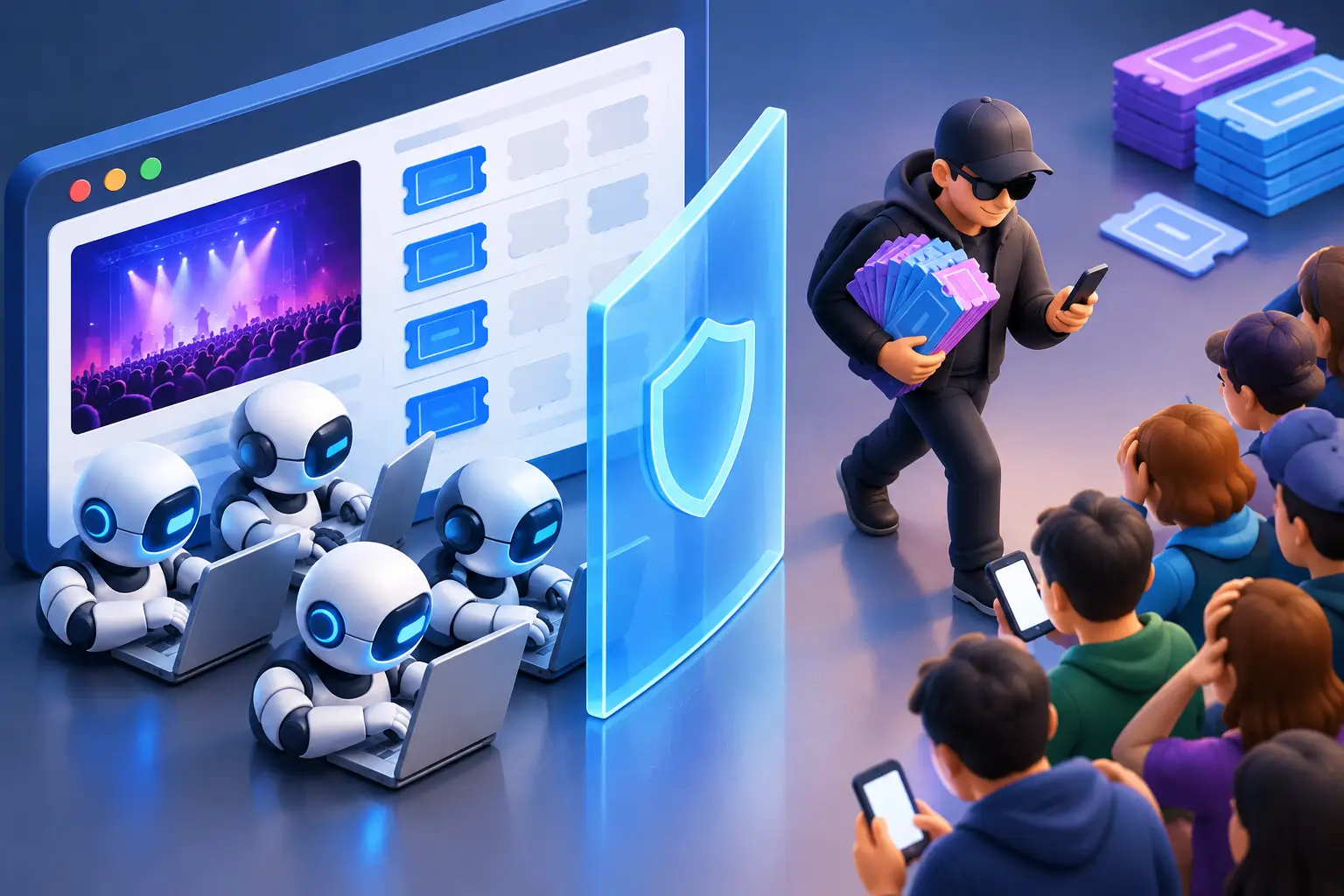
How Scalper Bots Take Over Online Queues
Repeated entries give an operation more chances
Queue bots automate attempts to obtain positions in a waiting room. An operator may use separate accounts, browser sessions or network addresses so the entries appear independent.
Consider an illustrative presale where each eligible account can join the queue. If an operator controls many eligible accounts, each can receive a position unless another control identifies the relationship or limits eligibility. The queue may follow its configured rules while the operator gains more opportunities to enter the sale.
Do not assume every extra tab creates an extra position. That depends on the queue's identity and session handling. Test what happens when the same customer refreshes, opens another tab or signs in again.
Randomization addresses order, not customer identity
Queue-it's scheduled waiting-room documentation describes randomizing visitors already in the pre-queue, then processing later arrivals in arrival order.
The practical limitation follows from the mechanism: randomizing accepted entries does not determine whether those entries belong to independent customers. An operation with multiple accepted entries still has multiple opportunities. Randomization therefore needs appropriate controls over entry and eligibility.
Queue bypass attempts target gaps in enforcement
An online queue usually sits in front of protected activity. If the reservation or checkout route does not enforce admission, displaying a waiting-room page elsewhere does not close that route.
Queue-it's integration documentation recommends server-side or edge integration to prevent visitors bypassing the queue. Review the coverage of your implementation, especially when mobile clients, partner routes or new APIs reach the same inventory.
Keep queue access distinct from what happens after admission. Our guide to ticket scalping bots and purchase-limit enforcement covers coordinated buying and reservation abuse after attempts reach ticket allocation.
Why Attackers Target Online Queues
Admission provides access to scarce inventory
An operation seeking tickets for resale benefits from gaining access while desirable seats remain available. Repeated entries can increase its opportunities; bypassing an unprotected route can avoid waiting altogether.
The objective may be a preferred section, a presale allocation or access during a short release window. For your team, this means investigating the relationship between queue entries and the actions they enable, rather than judging queue activity only by total volume.
Your business absorbs the cost of unfair access
The visible complaint is a fan who waited and could not buy. Behind that complaint, your team may need to investigate whether the outcome reflected demand, a broken session or coordinated entry.
Use evidence to separate those explanations. A sold-out event does not prove queue abuse, and a large queue does not establish a large audience of unique buyers.
For a security or product leader, the budget case should include support effort, incident investigation and the reliability of admission controls. Promoters also need an explanation of how access was allocated. Clear records help your team answer that question without treating every disappointed customer as evidence of an attack.
How to Stop Scalper Bots in Your Online Queue
Define eligibility before tuning detection
Write down who may enter and what counts as a duplicate. Decide whether your rule applies per account, customer or invitation, and how it handles permitted group bookings.
For an invite-only sale, verify entitlement before granting entry. Protect the process that issues invitations as well: a unique link does little to preserve fairness if an operator can accumulate eligible accounts.
Provide a supported recovery path for lost sessions and changed devices. Restoring an existing place should not accidentally issue another independent entry.
Use relationship evidence proportionately
Start with identifiers your application already controls, such as authenticated accounts and invitation records. Add session context and behavior to investigate suspected coordination.
A shared IP address is insufficient grounds to collapse visitors into the same customer. Families, workplaces and mobile networks can share connections. Equally, different IP addresses do not prove that the visitors are independent.
When evaluating a suspicious cluster, ask whether the combined activity supports a specific rule violation. Repeated account switching, linked sessions and repeated admissions may justify review. A fan refreshing after an error needs a different response.
Check admission at the protected action
List every route that can reach ticket inventory: the web journey, mobile APIs, partner integrations and alternate checkout paths. Mark which ones require queue admission and which have an explicitly authorized alternative.
Validate the applicable admission state before the action proceeds. Check that it belongs to the intended sale and remains valid under your policy. Avoid trusting a client-supplied “admitted” flag or the fact that the browser previously displayed the waiting room.
Test requests arriving directly at those routes. A missing admission credential should produce the defined denial or recovery response, not a reservation followed by a warning.
For machine clients, ensure the response is usable by that client. Returning a waiting-room HTML page to an API consumer can create confusing retries and failed purchases.
Keep credential handling consistent
Different credentials have different jobs:
Names and formats vary by provider. Follow its documented validation flow rather than treating every token as interchangeable.
For example, Queue-it's server-side connector documentation describes validating a return token and creating a session cookie for subsequent navigation. A legitimate customer should not have to rejoin simply because they request another protected page.
Define how admission relates to your application session or authenticated account. Test expiry, account switching and reuse from an unrelated session. A valid signature alone does not enforce your policy on sharing or repeated admission.
Keep raw admission and session credentials out of logs. OWASP's session-management guidance recommends recording lifecycle events and using protected correlation identifiers instead of logging raw session IDs.
Use challenges as supporting evidence
Challenge services have different interfaces. Google reCAPTCHA v3 returns a score that your application evaluates, with backend checks on the response and expected action. Cloudflare Turnstile produces a token that must be validated through Siteverify; its validation response reports success or failure.
Neither result replaces your queue's admission decision. A successful challenge should not grant a fresh position to an ineligible customer or override an expired admission session.
Choose additional verification according to the risk and provide a recovery route. Measure where legitimate visitors abandon the process. Avoid introducing repeated checks that add frustration without resolving the uncertainty behind a decision.
Preserve access through ordinary interruptions
Test a customer moving between Wi-Fi and mobile data, refreshing the page, returning from a payment provider and using assistive technology. Also test shared devices and authorized purchases made with help from another person.
Use those cases to define session continuity. An IP change may warrant contextual review, but automatic loss of queue position can harm legitimate mobile users.
Give customers clear messages when an invitation is invalid, admission has expired or a temporary error has occurred. Your support team needs an appropriate lookup reference and a documented way to investigate without asking customers to send credentials.
Stop Queue Abuse Before It Costs You
Rehearse the sale with explicit pass conditions
Run authorized tests in an agreed environment before the release. Give engineering and operations the same expected outcomes:
- A direct request without admission cannot reserve tickets through a protected route.
- A credential from another sale does not grant access.
- Refreshes and reconnects preserve the permitted queue entry.
- Repeated use from unrelated sessions follows the configured restriction policy.
- Mobile and partner journeys enforce their intended access rules.
- A validation-service failure triggers a documented response and an operational alert.
Decide the failure policy in advance. Unrestricted access can undermine allocation; denying every request can interrupt the sale. Define who can change the policy, what evidence they need and how to restore normal operation.
Measure access and customer outcomes together
Track confirmed repeated entries, repeated admissions and bypass attempts by route. Pair those with legitimate admission-to-checkout completion, expired-session recoveries, verification abandonment and restrictions overturned after review.
Join queue and application events using appropriate correlation references. Record the event, protected route, validation outcome and subsequent purchase outcome. Restrict access to investigation data and retain it only as needed.
Separate eligibility failures from technical errors. Otherwise, a broken integration can look like successful attack prevention because it rejects many requests.
When budgeting for ticket queue protection, use observed support and investigation costs. Compare similar sales where possible, noting differences in demand, inventory and admission rules. Blocked-request totals alone cannot establish that more genuine fans obtained access.
How Kairal Can Help
Kairal's ticketing protection assesses requests at protected login, seat-selection, reservation and checkout endpoints. Session linking and session-level rate controls help your team examine repeated activity across attempts, including activity reaching protected routes directly.
Events shows the route, risk score and action taken; Sessions provides context around related activity. Your team can use that evidence alongside queue records when investigating why a request reached a purchase endpoint or why repeated attempts were restricted.
Your queue provider and application still own entry eligibility, queue position and admission validation. Assessing a request at a protected endpoint does not by itself prove that the visitor waited in the queue.
For presales, Kairal Business Defense, currently in early access, adds sign-up scoring to investigate account farming. Confirm the scope of those features when planning protection around registration and invitation issuance.
Talk to Kairal about your queue-to-checkout flow to identify which routes need protection and what evidence your team needs to investigate repeated access attempts.